Diablo® Immortal™—Your Roadmap to Hell

UPDATE
We are delaying the launch of Diablo Immortal in the regions of Asia Pacific to July 7 PDT. Having a staggered launch for our debut mobile-first game gave us an opportunity to learn and optimize between each phase. We believe that our players will benefit from optimization that would make the download and playing experience much smoother.
Among the features we are working on are:
- Initial build package optimization: Reshuffling the assets downloading sequence so relevant UI would populate properly to improve user experience in-game.
- Android device performance optimization: The install base of mobile devices in Asia Pacific regions is very diverse. Using learnings from the first phase of our launch, we are performing additional compatibility tests to optimize the launch experience.
- PC experience improvements: Including fixes to potion and skills lockout issues, Auto-Navigation, Demon Hunter primary attack, Xbox controller input delay, and more.
- Performance and network optimization: Improvements to deferred multi-lighting particle tech, bug fixes, and more.
We appreciate your patience, and we will be providing each player in impacted regions with a package consisting of one piece of Legendary Gear, 100 Scrap Materials, and 10 Enchanted Dust. To claim these items, visit your in-game inbox after you have created your character and begun your journey into Sanctuary on July 7 PDT.
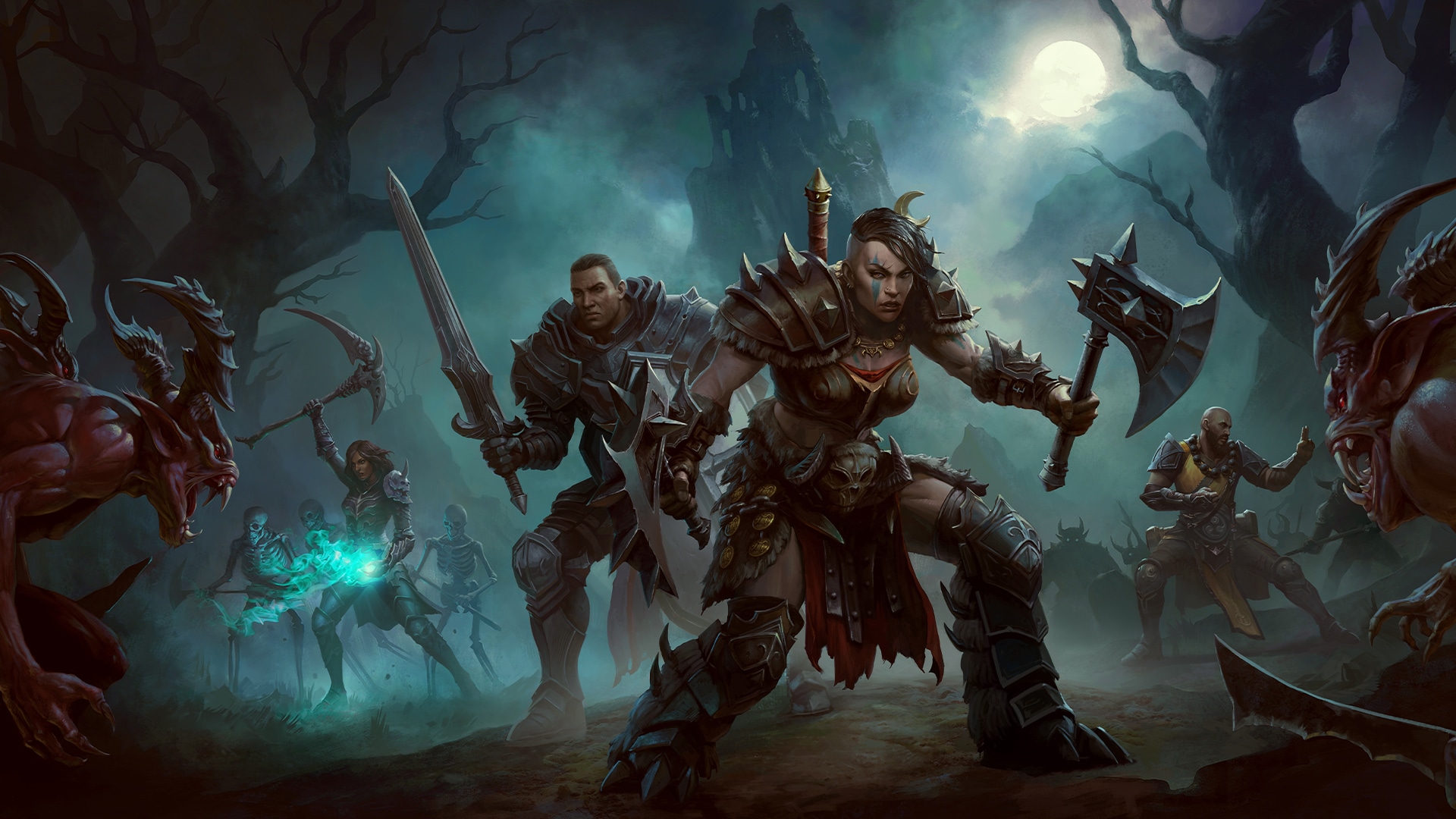
Skarn, Lord of Damnation has amassed his battle-hungry forces in anticipation of your near arrival to Sanctuary. With an ashen gaze and ghastly gesture, the demon lord utters “we are waiting for. . .YOU!” In just a few days it will be up to you, noble adventurer, to scour Sanctuary’s many locales in search of fragments from the shattered Worldstone. Only then will you have a chance in Hell of thwarting Skarn’s nefarious plan.
Before you begin to traverse the eight expansive zones of Diablo® Immortal™ as a Barbarian, Crusader, Demon Hunter, Monk, Necromancer, or Wizard, we’ve assembled this roadmap to get you ready for Hell, and when the time comes, march into Sanctuary unabated.
Codex
- Global Launch Schedule
- Pre-load For PC
- Installation and Play Instructions
- How to Set Up Cross-Progression Play
- Community and Customer Support
- FAQ
Global Launch Schedule
As we prepare to launch Diablo Immortal on June 2 at 10 a.m. PDT for iOS, Android, and PC in Open Beta, some players will see Immortal propagate on the Apple App Store and Google Play beginning the morning of June 1 PDT. This is in part due to the nature of how mobile games rollout and to ensure a smooth full launch for the mobile version of Immortal.
Pre-load For PC Now Available
Starting today, you can pre-load Diablo Immortal for PC from Battle.net. Heat up your PC in advance, and once Immortal fully launches on June 2, you can kick open the gate to Hell and get to demon slaying at break-neck pace!
Installation and Play Instructions
Once Diablo Immortal launches—before you can begin to undo the damage brought to Sanctuary by Skarn’s legions of bloodthirsty invaders—you’ll need to download and install Diablo Immortal on your platform of choice. Below you’ll find instructions on how to install Immortal on June 2, and for those of you who decided to pre-load the game for PC, no further action is required from you come launch day.
For Windows® PC:
- If you haven’t already, download and install the Battle.net desktop application and launch it. Register to create a Battle.net account, or log in with an existing account.
- Open your Battle.net app and allow it to download any pending updates.
- Select “Games” > “Diablo Immortal” and click “Install”. Once installation is complete, simply click “Play” to launch the game.
For Android:
- Launch the Google Play Store app on your device. In the search bar, type “Diablo Immortal.”
- Once you’re on the Diablo Immortal store page, click the “Install” button and allow the game to download.
For iOS:
- Launch the App Store on your device. In the search bar, type “Diablo Immortal.”
- Once you’re on the Diablo Immortal store page, click the “Get” button then click the “Install” button and allow the game to download.
How to Enable Cross-Progression Play
A Battle.net account is required to seamlessly play Diablo Immortal on both PC and mobile devices. You can play as a guest on mobile and later log into or create a Battle.net account to carry progress over to PC.
Please Note: Guest accounts are only accessible on the device they are created on, unless cloud backup is enabled.

Community and Customer Support
Just as the armies of the Burning Hells are keen on allowing the Lord of Terror to materialize, we are hellbent on providing you with a seamless return to Sanctuary to combat this evil. More importantly, the fate of Sanctuary hinges upon your continued valor on the frontlines. In the event you encounter any demonic trickery on launch day, please reach out to us. We will be keeping a watchful eye on the Blizzard Forums, Blizzard CS Twitter account, and any reported issues via the Customer Support Portal to help get you back into the fray swiftly.
We cannot begin to express how excited we are for you to soon begin your quest in Diablo Immortal. With that said, we would like to thank the multitude of players who provided crucial feedback throughout Diablo Immortal’s development, much of which influenced the very game you will play on June 2.
Good, now you’re ready for Hell!
-The Diablo Immortal Team
FAQ
Q. Which servers will be available to play for my region?
NA - West
NA -East
Europe - English
East Asia - Korean
East Asia - Japanese
SA - Portuguese
Caldesann
Sin War
Dark Exile
Rayek
Ongori
Flavie
Kanai
Prime Evils
Arreat Summit
Lethes
Inarius
Akara
Eternal Crown
Tree of Inifuss
Sightless Eye
Tal Rasha
Fahir
Asylla
Deckard Cain
Soul Siphon
The Unspoken
Tassi
Eskara
Xul
Zoltun Kulle
Sandro the Mouth
Angiris Council
Vataos
Lilith
Oza
Sand Scorpions
The Malus
Blood Rose
Daedessa
Zov
Belial
Stormshield
Iceburn Tear
The Countess
Askari
Lakrii
Izilech
Old Growth
The Worldstone
Talva Silvertongue
Kashya
Manoruk
Jondo
The Soulstones
Helliquary
The Butcher
Zaka
Tyrael
Gorgothra
Khalim's Will
Silver Spire
Stone of Jordan
Sargoth
Horadric Cube
Elzix
The Gidbinn
Plains of Despair
The Void
Namari
Andariel
Cult of Damnation
Arcane Sanctuary
Cathedral of Light
Ennead
Zaim
Purus the Decimator
The Curator
Archbishop Lazarus
Que-Hegan
Black Abyss
The Fallen
Dark Wanderer
Griswold
The Triune
Risen Dead
The Hellforge
Harlequin Crest
Dry Steppes
Darkening of Tristram
The Ancients
Cydaea
Amber Blades
Greed
Trade Consortium
Halls of the Blind
The Last Vestige
Yshari Sanctum
Star of Azkaranth
Meshif
Gharbad the Weak
Wailing Beast
Ureh
The Borderlands
Heart of the Oak
Albrecht
The Martyr
Crescent Moon
Lysander
Sea of Light
Call to Arms
Wirt
Crystal Arch
Chains of Honor
Hadriel
Diamond Gates
Hand of Justice
Mask of Jeram
Thorned Hulk
Breath of the Dying
Arkaine's Valor
Wood Wraith
Pandemonium
Doombringer
Oblivion Knight
Burning Hells
Town Portal
Throne of Destruction
End of Days
Eternal Conflict
Stygian Fury
SA - Spanish
Europe - French
Europe - German
Europe - Spanish
Europe - Italian
Europe - Polish
Oceania
Mephisto
Skarn
El'Druin
Zatham
Talus'ar
Cathan
Baal
Rathma
Dravec
Tabri
Fara
Sescheron
Itherael
Bloodsworn
Navair
Charsi
Vizjerei
Al’maiesh
Bul-Kathos
Leoric
Hemlir
Karshun
Viz-jaq'taar
Ammuit
Segithis
Viz-Jun
Esu
Akeba
Q: Which locale languages does Diablo Immortal support?
Diablo Immortal language support includes Brazilian Portuguese, English, European Spanish, French, German, Italian, Japanese, Korean, Polish, Spanish, Russian, and Traditional Chinese.
Additionally, for the launch of Diablo Immortal’s PC Open Beta version, players will be unable to change the language their game is displayed in via the Battle.net launcher. To change the language of their game, players may do so by either the in-game settings or by changing the language of their PC’s operating system prior to playing Immortal.
Q: Which controllers can I use to play Diablo Immortal?
Windows: Wired Controllers
Xbox One Wireless Controller
Logitech Gamepad F510
Logitech Gamepad F710
Sony Dualshock 3
Sony Dualshock 4
Sony DualSense Controller (PS5)
Nintendo Switch Joycons (via Grip and USB C)
Nintendo Switch Pro Controller (via USB C)
Xbox Adaptive Controller
Xbox Elite Controller
Xbox Elite Controller Series 2
Windows: Bluetooth Controllers/Proprietary Dongle
Xbox One Wireless Bluetooth Controller
SteelSeries Stratus Duo (via Bluetooth)
Sony Dualshock 3 (via 8 Bitdo Bluetooth Adapter)
Sony Dualshock 4 (via Bluetooth)
Sony DualSense Controller (PS5)
Nintendo Switch Pro Controller (via Mayflash Magic NS)
iOS Devices
Backbone One Controller
Razer Kishi
Rotor Riot Controller (Mfi)
SteelSeries Nimbus (Mfi)
Sony Dualshock 4
Sony DualSense Wireless Controller (PS5)
Xbox Elite Controller Series 2 (iOS 15+)
Xbox Adaptive Controller (iOS 14+)
Xbox One Wireless Bluetooth Controller
Xbox Series X/S Bluetooth Controller
Android Devices
Xbox One Wireless Bluetooth Controller
Xbox Series X/S Bluetooth Controller
SteelSeries Stratus Duo
Sony Dualshock 4
Sony DualSense Wireless Controller (PS5)
Xbox Elite Controller Series 2
Xbox Adaptive Controller
Razer Kishi
8bitdo SN30 Pro Controller
Q: How many adventurers may be in one clan and how many characters can my clan’s name consist of?
Each clan may consist of up to 100 adventurers. What you name your brave band of demon slayers is up to you, barring any profanity, but it must be between 2–24 characters in length. You may only belong to one clan at a time. If you wish to join another clan, you must first leave your current clan.
Q. What will happen to my progress and purchases in the PC Open Beta?
When the PC version leaves the Open Beta period, all the progress and purchases you’ve made will be maintained.
Q. Which devices support Ultra graphical settings for Diablo Immortal?
Ultra graphical settings for Diablo Immortal will only be available on PC and select iPad devices.
Q. Once you've selected an initial server to play on for each character, can you change servers with them?
Currently, no. Players should coordinate with friends to play on the same server for Diablo immortal. We may have options to transfer or play with friends located on other servers in the future but this is not be available at launch.
Minimum Requirements For PC
- Operating System: Windows® 7 / Windows® 8 / Windows® 10 / Windows® 11 (64-bit)
- CPU: AMD FX-8100 or Intel Core i3
- GPU: NVIDIA® GeForce® GTX 460, ATI Radeon™ HD 6850 or Intel® HD Graphics 530
- Memory: 4 GB RAM
Recommended Specifications For PC
- Operating System: Windows® 10 / Windows® 11 (64-bit)
- CPU: Intel® Core i5 or AMD Ryzen™ 5
- GPU: NVIDIA® GeForce® GTX 770 or AMD Radeon™ RX 470
- Memory: 8 GB RAM
*Disk Space Requirement: 24GB
Android Minimum Requirements
- Operating System: Android OS 5.0
- CPU: Snapdragon 660 / Exynos 9611
- GPU: Adreno 512 / Mali-G72 MP3
- Memory: 2GB RAM
*Disk Space Requirement: 2.4GB (with patch of additional 10GB)
iOS Minimum Requirements
- Operating System: iOS 11
- Hardware: iPhone 6s
*Disk Space Requirement: 3.3GB (with patch of additional 9.5GB)